How to buy your transport tickets with the Bonjour RATP app? A single app to buy, manage, and validate your tickets
The Bonjour RATP app allows you to buy your transport tickets for Paris and the Île-de-France region directly with your smartphone. No more waiting in line at ticket counters or vending machines!
This guide explains how to buy, load, and validate your tickets easily. But first, download or update your app to make the most of this service!
Why buy your tickets with the Bonjour RATP app?
Using the app for your tickets offers several advantages:
✅ Fast purchase 24/7
✅ Secure payment
✅ Ticket loaded onto your smartphone or a physical Navigo Pass
✅ Receipt sent by email
✅ Less waiting time in the station

Which tickets can you buy?
From the app, you can buy a wide range of tickets or passes, depending on your needs:
- Tickets for occasional journeys: Metro-Train-RER, Bus-Tram, Airports...
- Navigo Day, Week, or Month passes
- Special passes (Paris Visite, event passes, etc.)
Find the ticket that suits you by browsing our dedicated page. Reduced fares are also available!
How can I buy with my phone?
No more waiting in lines at stations and stops! You can buy and load your travel passes remotely, directly with the Bonjour RATP app.
Option 1: Purchase on your phone
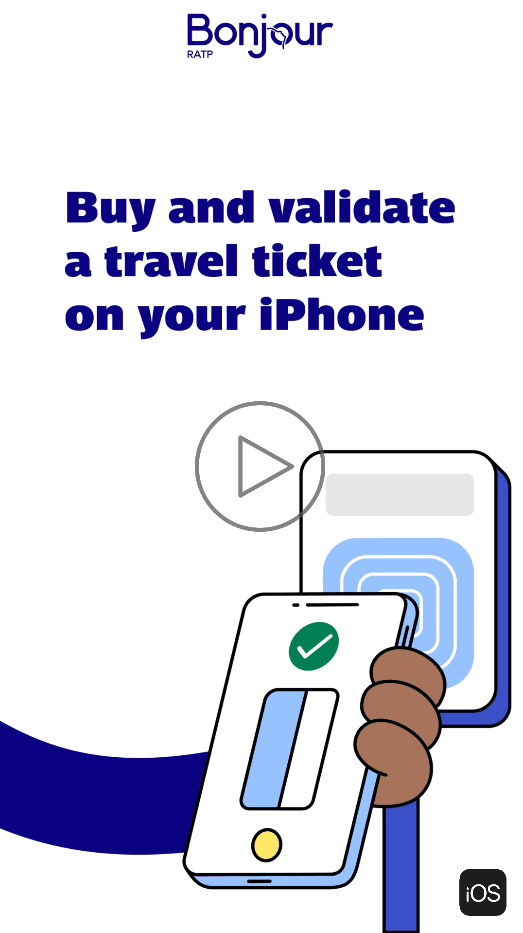
Several benefits: you avoid waiting in line at stations and save on buying a physical Navigo Pass (unit price: €2). Your phone will securely store the purchased tickets.
This service is compatible with more than 85% of Android phones (except for Google Pixel Slate, Nocturne, Pixel, Pixel 2, Pixel 2XL, Pixel 3, Pixel 3XL, Pixel 3a, Pixel 3a xl, Pixel 4, Pixel C, Pixel Slate, Nexus 5X, Nexus 6P models - and the latest Huawei and Honor models) and with iPhone Xs and later models running at least iOS 17.5.

Option 2: Purchase on a physical Navigo Pass
This option allows you to buy and load your tickets onto personal Navigo passes (Navigo, Navigo Découverte, Navigo Jeunes Weekend) or onto a non-personal Navigo Easy Pass. You load your pass with the app, then use it as usual to validate your journeys on the network.
Practical Guide
Start by downloading and opening the Bonjour RATP app, then go to the Tickets section to check whether your phone is eligible for this service. Then follow the guide:
Buy a ticket
- In the Tickets section, choose your preferred loading option: On Navigo pass or On phone.
- Select your travel ticket and, if necessary, choose the date, zones, and quantity.
- Proceed to payment: you will need a bank card, or Apple Pay on iPhone / Samsung Pay on Android
- A payment receipt will be sent to the email address provided.
Validate a ticket
If the ticket is on your phone, when approaching the validator, go to the Tickets section and click on "Validate" next to the card to use. Otherwise, validate your physical pass as usual.
Frequently Asked Questions
Would you like to learn more, or do you have questions? Check out our FAQ on purchasing transport tickets by clicking here.